nari.to

Share simply.
Keep control.

Shorten links, publish notes, share files, and create QR codes.

  • Links
  • Notes
  • Files
  • Direct QR

Existing account required.

The nari.to dashboard with notes, photographs, links, and a studio Wi-Fi QR code, organized into collections.

No ads.

No countdowns.

No detours.

Built for speed. Straight to what you shared.

Links

Turn any web address into a memorable nari.to link. Send people straight to the destination.

  • Shorten a URL with your own address
  • Update the destination anytime
  • A shareable QR code for every link
The Link editor turns a long photography gallery URL into nari.to/folio.
Notes

A thought.
A plan.
A page to share.

Write it down. Give it structure. Send it as one clean link.

  • Markdown, tables & checklists
  • Code with syntax highlighting
  • Diagrams with Mermaid & PlantUML
  • LaTeX equations & formulas
A real Markdown note with a checklist, export settings table, highlighted TypeScript, and a Mermaid diagram of an image publishing pipeline.
Files

One file.
A whole collection.
One link.

Give your files a page of their own. Send the photographs, the film, or the finished work together.

  • Images, PDFs, video & audio
  • Preview right in the browser
  • Download the original files
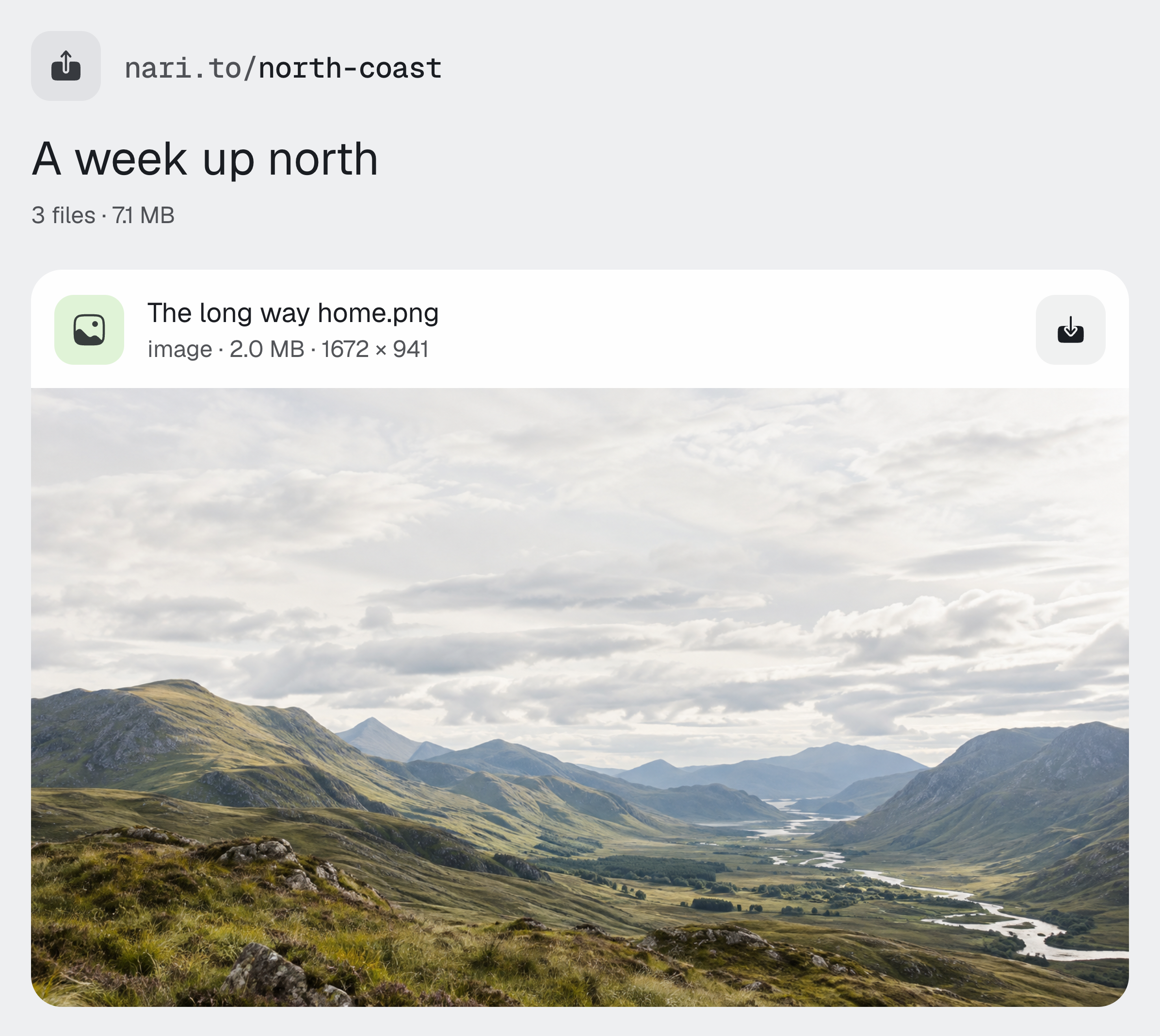
A shared page for three original landscape photographs, with a large image preview and download control.
Direct QR Codes

Put it in the code.
Make it yours.

A website, Wi-Fi details, a contact, or a payment. Store it directly in a QR code, ready for a camera to read.

  • Custom shapes, colors & center images
  • Reusable presets & high-resolution exports
  • Fixed content, stored in the code itself

Direct codes don’t track scans or change after printing. For a destination you can update, use the QR code included with a Link, Note, or File.

QR Code

nari.to · Website

Error Correction
Outer Margin
4
Code Color
Background Color
Center Image

Your image stays in this browser and is never uploaded to a server.

Image Size
7

Address ownership

Your addresses
stay yours.

Every Link, Note, or File gets a short address. Change that address, and the old one stays in your workspace. You decide what it opens next.

  • Keep an old address working
  • Point it to a different item
  • Park it until you need it
Manage persistent nari.to addresses and choose which item an alternate short link opens.

Shared doesn’t mean out of your hands.

Control access to your Links, Notes, and Files.

Add a password.

Keep a shared page for the people who have the key.

Set an expiry.

Close access on a date or after a number of opens.

Pause. Then resume.

Switch sharing off and back on. Keep the same link.

Collect by project.

Keep the notes, links, and files that belong together.

Analytics

See what
gets opened.

Follow a single link or see the whole picture. Know what people come back to.

  • Link opens & QR scans
  • Countries & devices
  • Trends over time

Available detail depends on your account’s access.

The nari.to analytics dashboard showing link and QR opens over 30 days from a sample account.

Share on
your terms.

Existing account required.